
How to Search Cases by Name
All Lincoln County case searches run through the statewide North Carolina eCourts Portal. Open Smart Search there. Begin with a Record Number or a Name. Because a full name search can pull records from other counties, use the Location filter to add Lincoln County whenever names are common. Viewing public case information is free, and no public account is required.
- Enter a record number if it is known. Otherwise enter the person's or business's name in Smart Search.
- Open Advanced Filter Options only after entering the basic search term.
- Set Location to Lincoln County and use case type, status, or filing date only when those details are known.
- Review the result list, choose the record number, and open the Case Summary or Register of Actions.
- Read Case Events, hearings, disposition, and assignment together before relying on a single status line.
Portal's official training and resources describe the public Smart Search workflow.
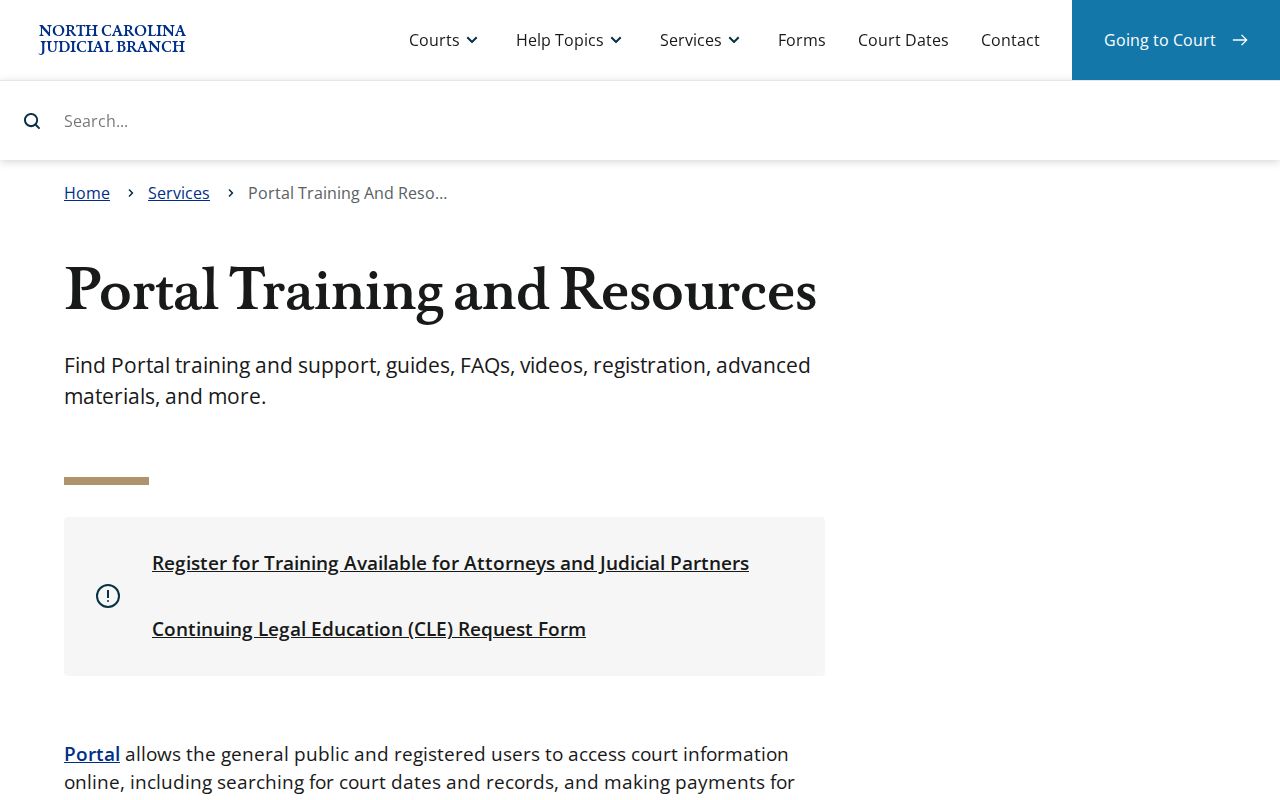
The training material is worth a look during a Lincoln County case lookup. It explains the statewide interface that holds Lincoln's public case information.
Lincoln County Case Search Fields
Smart Search demands one starting point: a basic Record Number or Name criterion. Advanced filters only refine that first search; they cannot run alone. Set the Location selector before layering on an uncertain status, because a mismatched case status can hide a Lincoln County result rather than clarify it.
| Portal field | Type | Required | Lincoln County use |
|---|---|---|---|
| Record Number or Name | Text | One basic criterion | Start with the case number or exact party name |
| Advanced Filter Options | Expandable panel | Optional | Use only after a basic term is entered |
| Location | Selector | Optional | Choose Lincoln County to narrow statewide returns |
| Date of Birth From / To | Date fields | Optional | Distinguish same-name results; public display masks month and day |
| Case Type and Status | Dropdowns | Optional | Refine by known civil, criminal, infraction, family, or related category |
| Filing Date Range | Date fields | Optional | Limit a broad Lincoln County case search by time period |
Portal returns no more than 200 cases. So add the Lincoln County location filter and other solid facts. A first result page that long is never the whole answer.
Lincoln County Case Number Parts
Think of a record number as a compact map of a Lincoln County case. It is not a citation number, a judgment index entry, or a document number. Learning each part helps you spot the right result before you ever open the Case Summary.
- Year
- The first two digits identify the record year in the Enterprise Justice format.
- Case-type letters
- Letters such as CR or IF identify the record category described by the judiciary.
- Sequence
- The six-digit segment distinguishes the individual case within the system.
- County identifier
- The three digits after the hyphen are part of the full record number.
Wildcards follow Portal rules in a Lincoln County case search. A Lincoln County case-number wildcard needs at least four characters followed by an asterisk.
How to Search by Case Number
The strongest Portal search term for Lincoln County is the record number itself. It joins a two-digit year, case-type letters, a six-digit sequence, a hyphen, and a three-digit county identifier. The official example is 21CR000003-910. Type it exactly as recorded. A historic paper number may not match the Enterprise Justice format. Case-type letters explain the record but never decide access. The judiciary uses CR for a case with at least one criminal charge. It uses IF for a case with only infractions. If a Lincoln County number fails, check the punctuation and digits first. Then ask the clerk whether the Lincoln County file is historic, restricted, or indexed differently.
Lincoln County Case Summary Access
Lincoln County joined the final eCourts rollout on October 13, 2025. The statewide system now gives Lincoln County the same Portal pathway as the rest of North Carolina. Public case lookup is uniform statewide. Public case lookup moved online, but the clerk still keeps the county record. North Carolina eCourts explains the Enterprise Justice rollout. That case-management system now handles Lincoln County records.
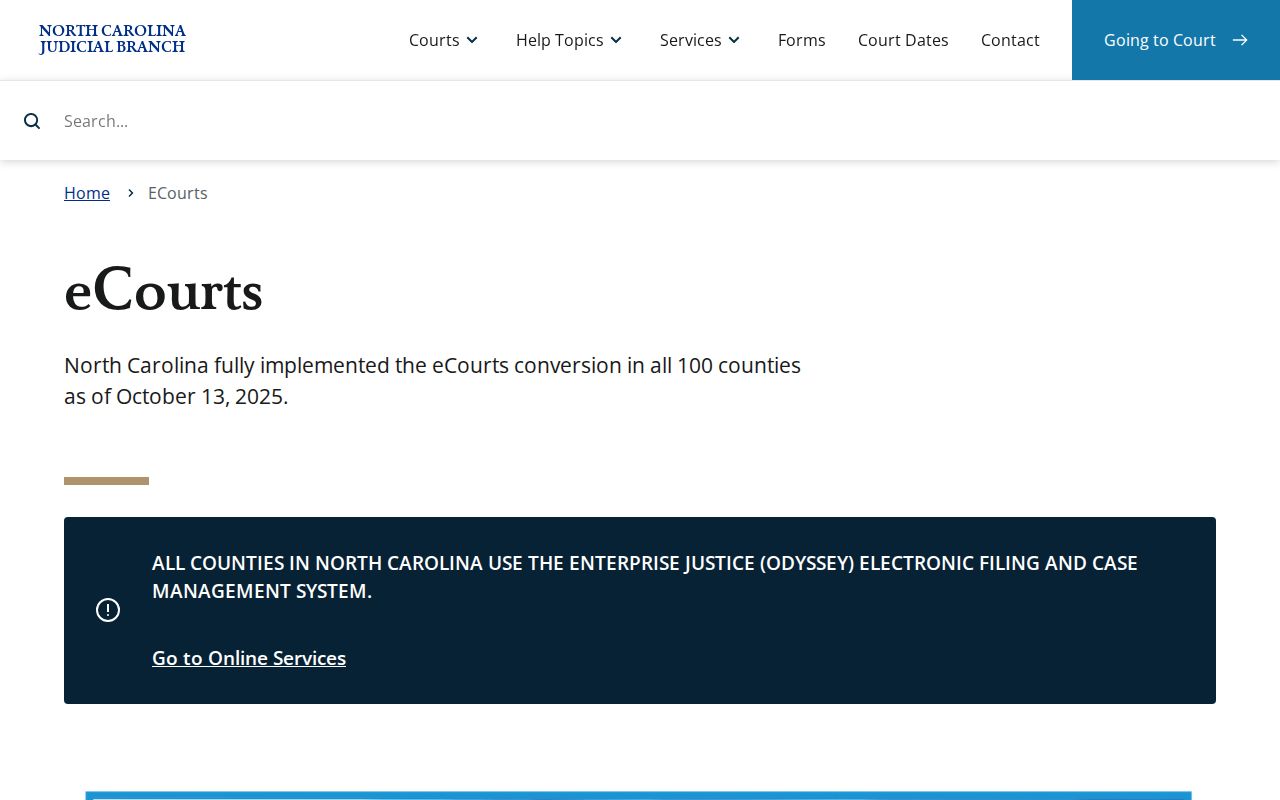
eCourts gives Lincoln County one common starting point for a case search. Even so, the Lincoln County Case Summary reflects only what is available to the public.
What a Case Search Shows
A Lincoln County Portal result opens a Case Summary, sometimes called a Register of Actions. That is a structured record of current public case information, not just a caption. It carries the case from basic identification through events, settings, dispositions, and any applicable financial information.
| Case information | Record number, case type, status, filing context, and Lincoln County location. |
|---|---|
| Assignment information | The court or assignment context for the matter. |
| Party information | Public participant listings; a public date of birth masks month and day. |
| Causes of action | Claim categories for applicable civil, family, probate, or mental-health matters. |
| Case Events and Hearings | The chronology and scheduled settings for the case. |
| Disposition and financial information | Recorded outcome/status and applicable current financial data. |
Public document images can appear when law and permissions allow. Still, a Case Event does not automatically include the underlying filing image. For a complete document, a certified copy, or an older paper file on a Lincoln County case, go through the Lincoln County clerk.
Lincoln County Case Portal Accounts
Registration is not needed for a Lincoln County public case search. A free public account only lets a user save cases in My Cases. It reveals nothing restricted. Attorney and agency access are separate elevated-access processes requiring a statutory basis. So a basic account is no substitute for a clerk or court access decision. The Portal can require a CAPTCHA roughly every ten minutes. According to the official FAQ, Edge and Chrome are the most compatible browsers. A Windows, Edge, or Chrome setup is recommended. Those tips may fix a Lincoln County technical glitch. They do not change Lincoln County access rules.
Lincoln County Case Result Cap
Portal returns at most 200 cases. A message saying 200 results came back means the search is too broad. It does not mean every matching Lincoln County case was displayed. Trim the set with the Lincoln County location filter. Or use a case type, a filing date range, or a solid portion of the name. Surname wildcards need at least three last-name letters plus an asterisk. A first-name wildcard needs just one letter plus an asterisk. Narrowing a valid search beats treating a long list as a final answer.
County vs Statewide Case Search
Lincoln County has no docket-search site of its own under the Odyssey banner. Instead, Portal handles the searching statewide, and you pick Lincoln County once you are inside. Locally, the civil and criminal calendar links fill the gap. The courthouse public terminal and the clerk's paper and copy channels help too. Those are the roads to a Lincoln County court docket. Use them when the county page comes up short.
| Channel | What it answers | When to use it |
|---|---|---|
| Portal Smart Search | Public Case Summary and Register of Actions | Name or record-number case lookup |
| Portal Search Hearings | Current hearing location and time | A court-date question rather than a document request |
| Lincoln calendars | County civil or criminal session schedule | Confirming the applicable local calendar |
| Clerk terminal or paper file | Local inspection and records fallback | Historic, incomplete, copy, or access questions |
Start at the Lincoln County Judicial Branch hub for courthouse services and local calendar routes. Once your case lookup tells you which division handles the matter, the Lincoln County civil calendar or the Lincoln County criminal calendar shows the schedule. Each is a quick check of upcoming court dates.
Lincoln County Case Search Tools
NC Judgment Search and Smart Search do different jobs. The judgment index is free and works as a quick reference. It can surface a case number, disposition status, index date or time, parties, and judgment comments. Smart Search goes deeper. It pulls the current Case Summary with Case Events, hearings, and any financial information tied to the case.
The sensible workflow is simple. Find a likely match in the judgment index first. Then open Smart Search for the full public Lincoln County case record. The Search Hearings tool sits apart from both. It answers whether a hearing is set now, not what documents sit behind that event.
Restricted Cases and Access Rules
Public case search results in Lincoln County leave out restricted material. Sealed, confidential, and sensitive items fall in that group. State law bars public inspection of juvenile files. Domestic Violence cases carry online limits. Certain fields stay hidden even when the case itself is public. So an empty or partial result tells you nothing about the outcome.
An expunged or sealed Lincoln County case never shows online. For a civil restriction, state procedure allows a motion and a written ruling. Ask the clerk about the right access route instead of cycling through Portal filters repeatedly. Note: Portal shows what is available. But no statute, sealing order, confidentiality rule, or court-specific access decision yields to it.
Lincoln County Case No-Match Steps
A no-match result on a Lincoln County court docket search can stem from several things. The name may be misspelled or formatted oddly. A case number might be an old paper-era number. Or the case may simply not have hit the index yet after filing. Some records are restricted from public view. Run the Lincoln County case lookup again with the exact case number. Or try a broader name term with fewer filters. Check that your location and case-type filters match where the case actually sits.
Still nothing? Take the search offline. The clerk of court's public terminal at the courthouse shows more than the online docket. Staff can pull the Lincoln County paper file, make copies, or certify records. The Lincoln County contact directory gives you the clerk's phone and counter channels. Note that the Remote Public Access Program is a separate licensed service offering real-time or extract data. It is not the ordinary free Portal account for docket search.
For filing new documents, File & Serve is the state's e-filing service for filings that qualify. It handles submission, not public case lookup. It will not replace your Lincoln County docket search.
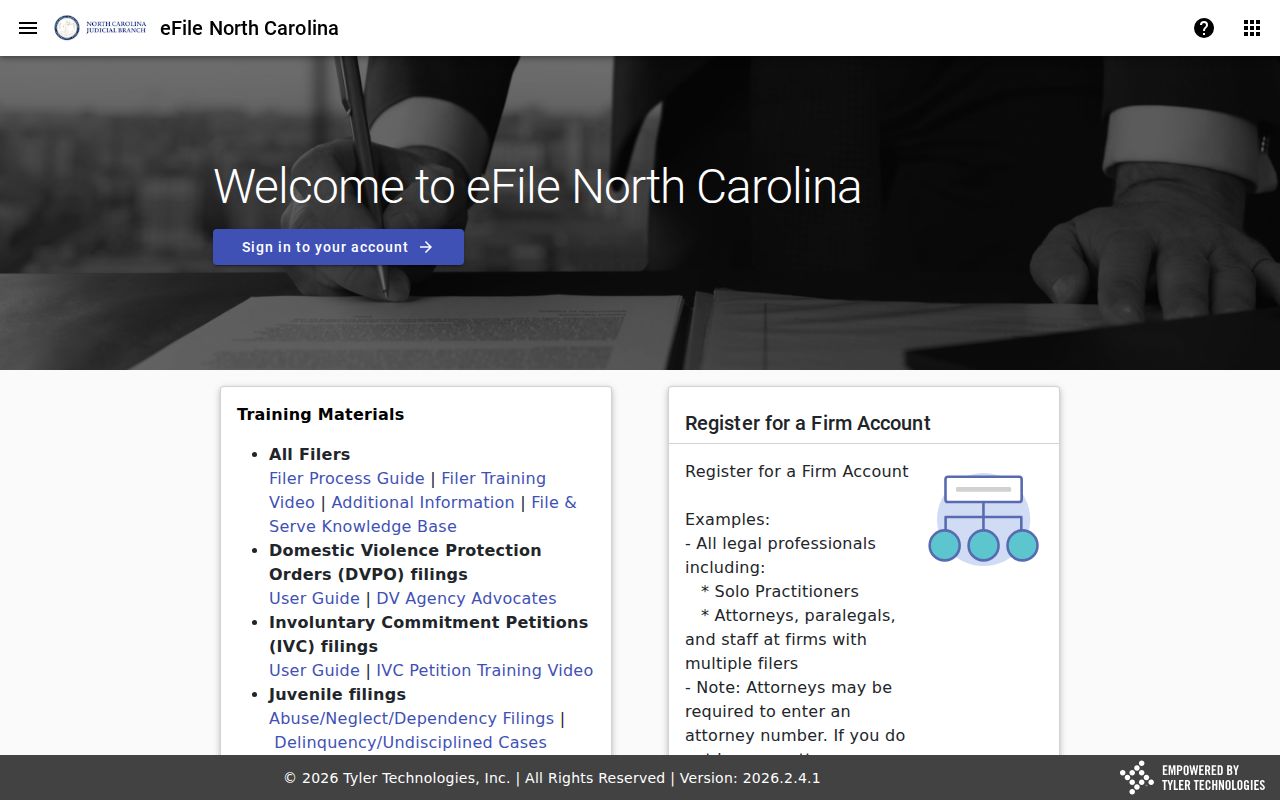
Keeping filing and searching straight matters. A Lincoln County user then moves cleanly from a Portal result to the right court-record channel.
Lincoln County Case Access Limits
Portal gives free, anonymous viewing of public case information. The Remote Public Access Program is something else entirely. It is built around licensed real-time and extract access. The two services cannot substitute for each other. Need a Lincoln County case, hearing, or public register of actions? The free public case search remains the practical route. Remote Public Access Program information lays out that service and its access model on the official page.
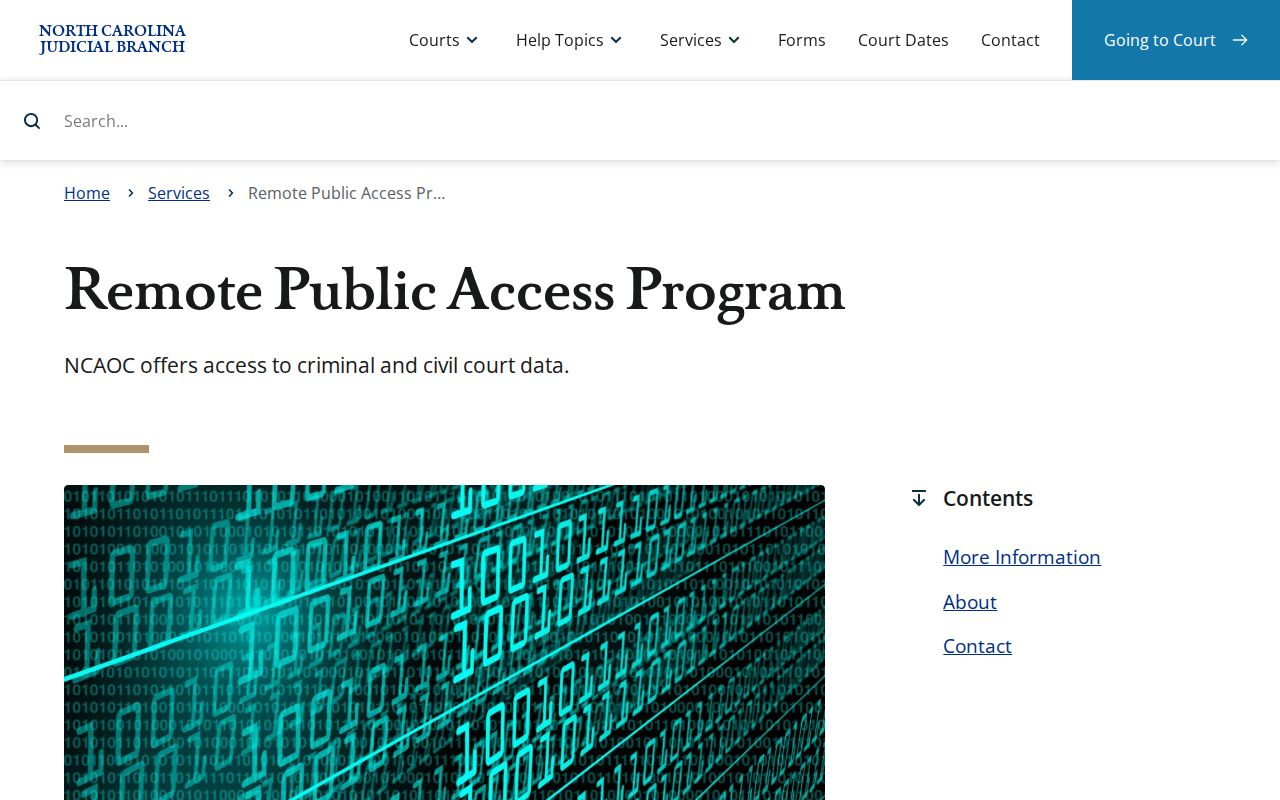
The split keeps the Lincoln County Portal free and public. Elevated access answers to its own separate rules.